
AI-powered professional photo selection tool that frees photographers from tedious photo picking. Using advanced visual AI technology for automatic scoring and intelligent filtering, boosting efficiency by 10x while ensuring absolute privacy with all data processed locally.
Intelligent workflow designed for photography professionals
Five-dimensional professional assessment: Theme/Subject (30%), Color Harmony (15%), Composition (10%), Technical Skills (15%), Overall Aesthetics (30%), providing objective 0-100 scoring
Customizable score thresholds, automatic high-quality photo filtering, supports resume functionality, batch processing thousands of photos
Auto-generate tags for scene types, main objects, color features, style characteristics, and emotional atmosphere for easy management
Based on local AI models, all data processed locally, never uploaded to cloud, complete photo privacy protection
Meeting professional needs for different scenarios
Returns only scores, suitable for large-scale rapid processing
{'score': 85}
Score + brief comments, balancing efficiency and information
{'score': 85, 'reason': 'Beautiful composition'}
Score + detailed analysis + improvement suggestions, suitable for learning enhancement
{'score': 85, 'reason': 'Beautiful composition', 'description': 'Detailed analysis...'}
Auto-generate tag classification for easy post-management
{'tags': ['landscape','mountains','blue'], 'score': 85}
See how SPIC revolutionizes different photography workflows
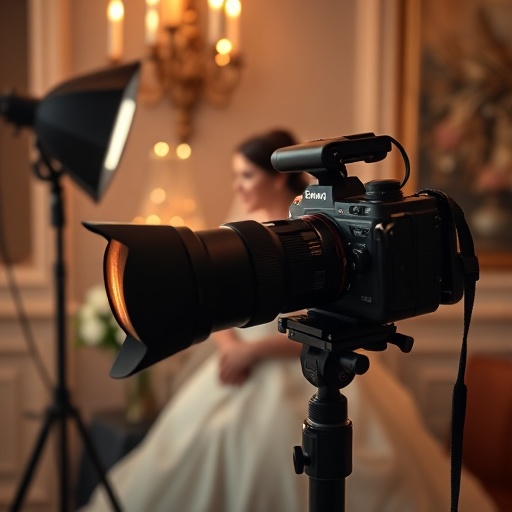
2000+ wedding photos need filtering
Time saved: 75% | Threshold: 60 points | Output: ~300 high-quality photos
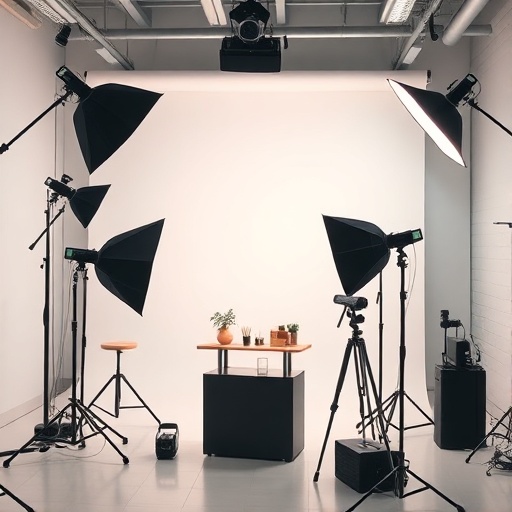
Product photography and portrait quality control
High threshold: 75 points | Mode: Image tagging | Standardized quality assessment
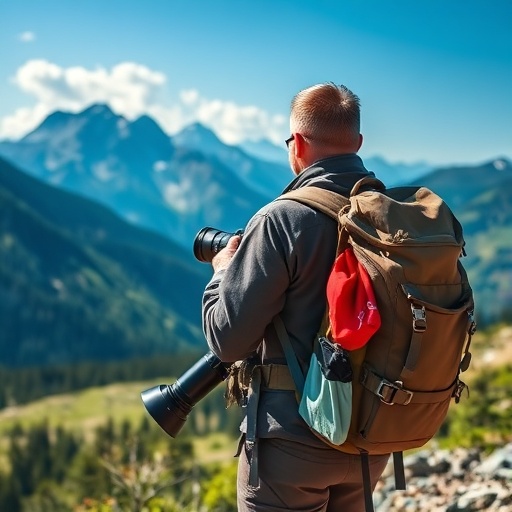
Organizing large volumes of photos after travel
Threshold: 40 points | Mode: Basic rating | Improve skills through AI suggestions
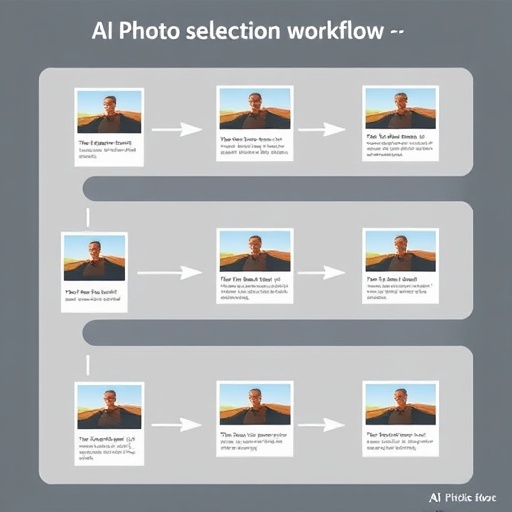
Four simple steps to complete intelligent photo selection
Specify the photo folder to process, supports JPG, PNG, JPEG formats, automatically scans all subdirectories
Local AI model performs five-dimensional professional assessment on each photo, generating detailed analysis reports
Automatically filter high-quality photos based on set score thresholds, supports resume functionality
Save filtered photos, write EXIF metadata, generate JSON analysis reports
Ensure optimal user experience
Complete environment setup in 5 minutes, start using immediately
Visit https://ollama.ai to download and install
ollama serve
Recommended vision-capable models
ollama pull llava
Modify AI evaluation criteria for specific needs, adapt to different photography styles
Click "Start Processing" button, view real-time progress
Supports pause and resume anytime, view detailed logs after completion
Real test data showing significant efficiency improvements
Compared to manual filtering
Average processing speed
Professional scoring consistency
Local processing, never uploaded
Multi-dimensional assessment based on professional photography standards
Depth of ideas and emotions expressed in the photo
Visual beauty and artistic value
Color coordination and layering
Photography techniques and post-processing
Image structure and visual guidance
Usage tips to maximize SPIC's effectiveness
Process large volumes in batches to avoid system overload, recommend 500-1000 photos per batch
Adjust thresholds by photo type: landscape 40-60, portrait 50-70, commercial 60-80 points
Backup important photos before processing to ensure data safety and prevent accidental loss
Choose appropriate AI models based on hardware configuration, balancing processing speed and scoring accuracy
Customize evaluation criteria for specific needs, adapt to different photography styles and application scenarios
Use SSD storage, ensure sufficient memory, regularly clean temporary files for optimal performance
A powerful assistant for various photography professionals
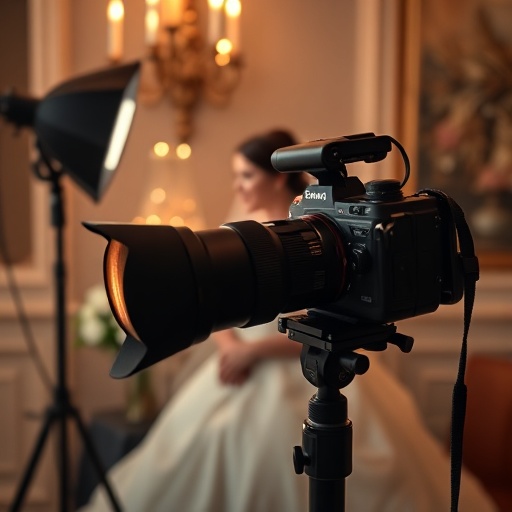
Quickly filter the best moments from tens of thousands of photos, intelligently tag photo scenes, content and photography styles, discover photo value.

Batch process product photos, automatically filter high-quality images that meet commercial standards

Quickly organize photos after trips, discover the most valuable landscape moments
Completely open source, free forever, multi-platform support
Your support drives us forward
Sponsorship is completely voluntary, software is free forever
Python 3.7+
Tkinter GUI
MIT Open Source License
Ollama Platform
Multiple Vision Models
Local Deployment
Windows 10+
macOS 10.14+
Linux Ubuntu 18+